
Request quote
Diagnostic service
We inspect your MacBook to identify hardware or software faults, explain the problem, and recommend the correct repair before any work begins.
Typical time~1-2 hours
Book repair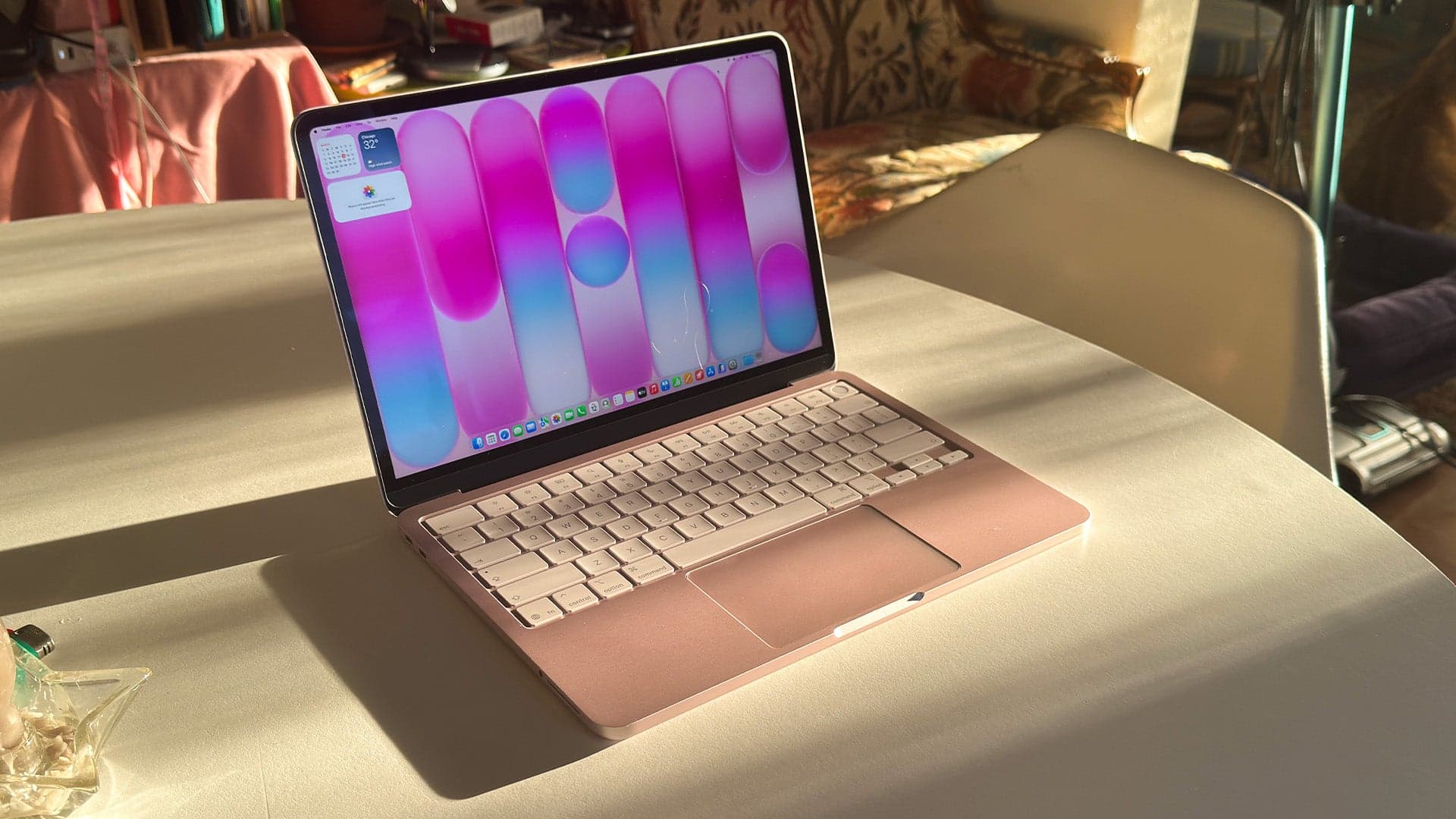
ASM Wireless repairs every MacBook, from the latest Apple Silicon M-series MacBook Pro and MacBook Air to legacy Intel-based models, at our storefront at 2527 Danforth Avenue, serving the Danforth and East York communities since the late 1990s.
Transparent pricing for common MacBook repairs performed by our technicians at 2527 Danforth Avenue. We service screens, keyboards, batteries and charging ports for MacBook models.
We inspect your MacBook to identify hardware or software faults, explain the problem, and recommend the correct repair before any work begins.
Replace damaged MacBook displays to restore image quality and proper laptop screen operation.
Replace faulty MacBook keyboards or key assemblies to restore typing functionality and key response.
Replace MacBook batteries to restore portable runtime and reliable charging for laptop models.
Repair or replace MacBook charging ports to resolve intermittent charging or connector issues and restore reliable power connection.
Replace lost or damaged MacBook chargers and power adapters to restore charging capability.
All prices are subject to specific MacBook model variations.
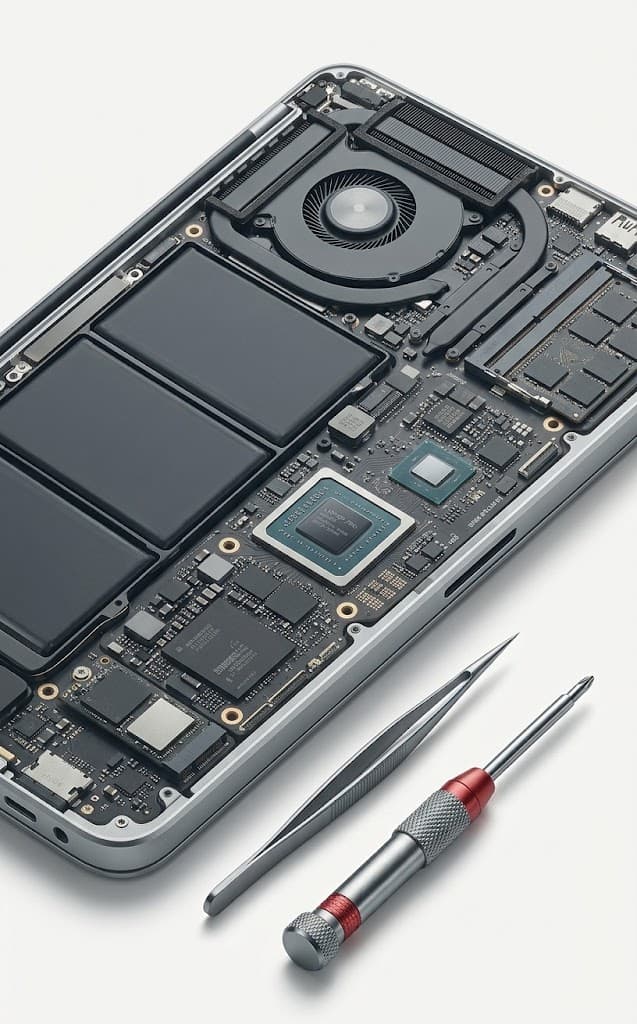
We install top-tier, tested replacement displays, batteries, and internal hardware that meet original manufacturer standards to preserve peak MacBook performance.
All qualifying MacBook hardware services come backed by our 90-day warranty covering replacement parts and labor, excluding subsequent drops or liquid exposure.
Our technicians follow strict privacy protocols to perform hardware repairs without opening or risking your private files, documents, or personal data.
Get clear answers at our 2527 Danforth Avenue store before spending a dime. We offer upfront, transparent diagnostics with no obligation before any repair work begins.
Avoid long depot shipping waits. Most standard MacBook hardware repairs are completed directly on-site at our Danforth location in a fraction of the time.
Book your service online for priority turnaround, call 647-343-3930, or drop by our storefront at 2527 Danforth Avenue in East York. Serving the Danforth community since the late 1990s.
ASM Wireless repairs MacBook Pro and MacBook Air laptops—including the latest Apple Silicon M-series models—at our storefront located at 2527 Danforth Avenue, serving the Danforth and East York communities since the late 1990s.
You can visit ASM Wireless at 2527 Danforth Avenue, Toronto, ON M4C 1L1. We serve East York and the Danforth area with professional MacBook hardware repair and diagnostic services.
Standard repairs such as battery replacements, trackpad fixes, and screen installs are typically completed within 1 to 4 hours. Logic board repairs and data recovery may take 1 to 3 business days.
Yes. Every qualifying MacBook hardware repair includes our comprehensive 90-day warranty covering replacement components and repair labor.
No reset is required for hardware repairs, but backing up your data to Time Machine or iCloud prior to service is always recommended practice.